 RiderLog
Cancelling a Motorcycle App Subscription
If the charge came through the App Store, the app maker cannot cancel it and usually cannot refund it either. Go to Settings, tap your name, tap Subscriptions, pick the app, tap Cancel. For a refund, use reportaproblem.apple.com within the window Apple allows. If you paid on the company's website or through a third party biller, cancel there instead, because Apple has no record of it. Do that before the renewal date, not after. And before you cancel, export your rides while the account still works, because most of these apps put export behind the plan you are ending.
Export your rides before you cancel anything
This is the step people do second and regret. A subscription that lapses often takes export with it, and years of recorded rides inside an app you can no longer open is a history you have lost without anyone deleting it. One rider summed the category up in four words on the App Store: "No GPX export!". Another noted you could only download files from the website and not the phone, which is exactly the kind of thing you find out at the wrong moment.
Work through it in this order.
- Find the export. Look in the ride detail screen first, usually under a share or export menu, then in account settings, then on the company's website signed in on a computer. Several apps only offer it in one of those three places.
- Take GPX, not screenshots. A GPX file holds the actual track, so it can be opened by another app later. A picture of a map cannot.
- Get the whole history, not the highlights. If there is a bulk or account export, use it. If it is one ride at a time, do the ones you would be sad to lose and accept that the commute to work in March is not one of them.
- Check the files before you cancel. Open one on a computer or import it somewhere. An export that produced empty files is worth knowing about while you still have an account.
- Put them somewhere that is not the app. Any cloud drive. This is the whole point.
If your photos live in the app too, get those out in the same session. Most apps that store photos let you save them back to the camera roll from the ride screen.
How do I cancel a subscription on my iPhone?
Through Apple, not through the app. Open Settings, tap your name at the top, tap Subscriptions, find the app in the list, and tap Cancel Subscription. You can also get there from the App Store: tap your profile picture in the top corner, then your name, then Subscriptions. The cancellation takes effect at the end of the period you have already paid for, so you keep access until then, and the app should stop being able to bill you afterwards. Take a screenshot of the confirmation screen. If the app is not in your Subscriptions list at all, Apple is not billing you and cancelling has to happen somewhere else. That is the case worth reading the next two sections for, because it is where riders get stuck: "They make cancelling this app as hard as possible" is a sentiment that turns up in reviews across this whole category, and a lot of the time the real problem is that the charge never went through Apple in the first place.
Can I get a refund if it renewed without me noticing?
Maybe, and it is Apple's decision rather than the developer's. Go to reportaproblem.apple.com, sign in with the same Apple Account, find the charge, and request a refund with a short honest explanation. Apple decides case by case and there are time limits, so do it as soon as you see the charge. I am not going to promise you an outcome, because nobody outside Apple can. Two things that help: request it promptly, and cancel the subscription separately, because a refund request does not cancel anything and a cancellation does not refund anything. They are two different actions and you probably want both. If Apple declines, the developer genuinely cannot override that, so an angry email will not move it, although a polite one is sometimes worth sending anyway since some developers will make it right themselves.
What if the app did not bill through Apple?
Then none of the above applies and you cancel with the company. Sign in on their website and look for billing, plan or membership in your account settings. If there is no self service cancel, email support and ask in writing for the subscription to be cancelled, keeping the reply. If they use a third party payment processor, the receipt in your email will name it, and that company's own site usually has a cancel page. As a last resort your bank or card issuer can block a recurring charge, but do that after you have asked properly, because a chargeback can also close your account and take your data with it before you have exported it. This is the other reason export comes first.
Worth checking while you are in there: whether what you bought was a subscription at all. Some apps in this category sold one time purchases and map packs alongside a plan, and those do not renew and do not need cancelling.
Set a reminder for next season
The most repeated version of this complaint is not really about the money. It is about paying twelve months of fees for an app you open in five, which a German rider put as paying through the winter for something they do not use. If you cancel now and plan to come back in spring, put a calendar reminder a week before you next need it, and another a week before whatever you resubscribe to would renew. That single reminder is the difference between subscribing deliberately and subscribing by accident.
Somewhere for the rides to land
RiderLog imports GPX from Profile, so a rescued archive has somewhere to go. It is free to download, keeps rides on your phone and in your own iCloud, and Pro bills only through Apple Subscriptions, so you cancel it the same way you just cancelled the last one.

Free to download. Your rides stay on your phone, and every ride exports as GPX.
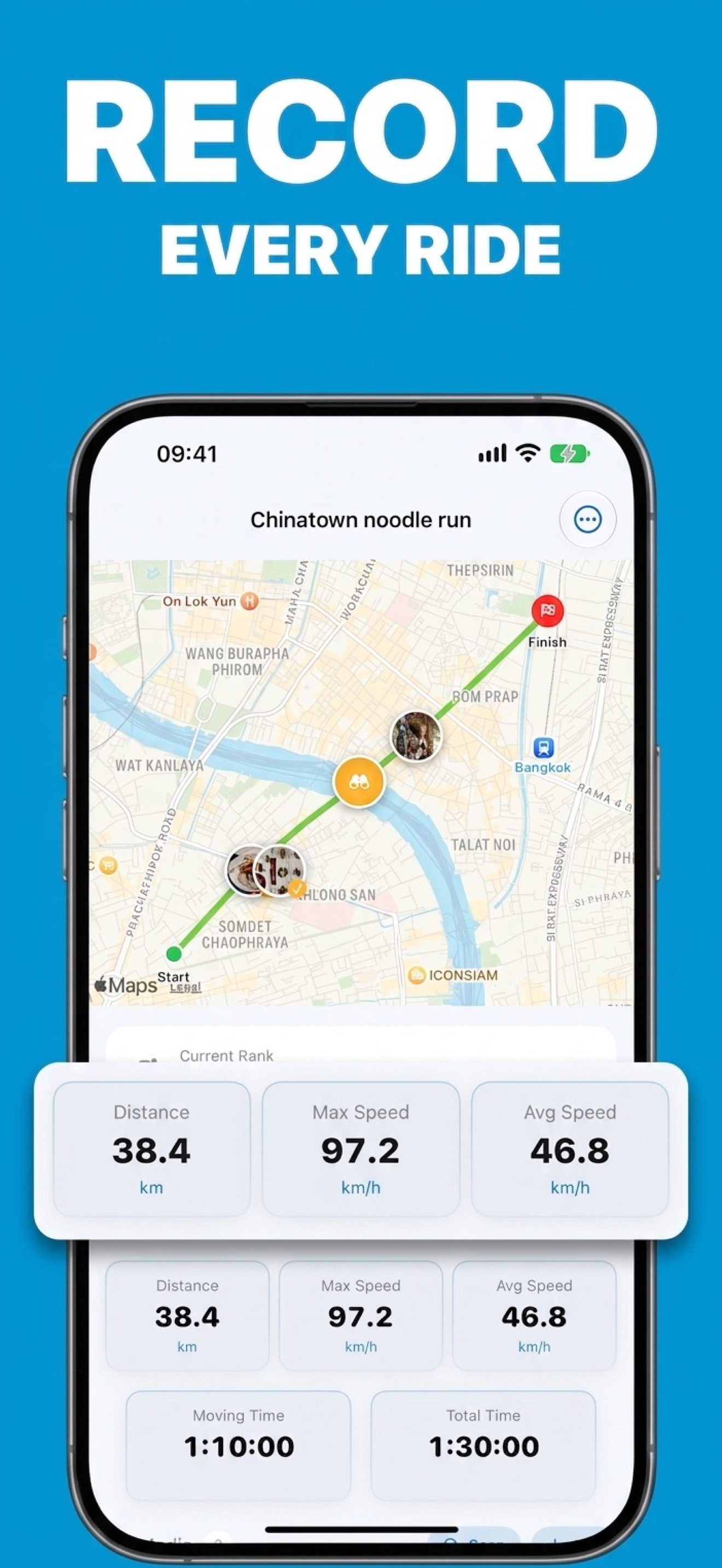
I will keep the pitch to one paragraph, because this page is mostly not about my app. RiderLog records rides locally on your phone, backs them up to your own private iCloud rather than to me, imports the GPX you just rescued, and exports every ride as GPX from the ride detail view, so the next time you want to leave, you can. It is free to download. Pro exists, it unlocks watermark free cards and videos, unlimited place lists, a bonus weekly challenge and protected weeks, and it is sold only through Apple Subscriptions, which means the cancel path is the four taps at the top of this page. I would rather you can leave easily than have you stay because you cannot.